Why none of this leaves your device
Think about what people actually turn into PDFs. Passports and visas. Bank statements for a loan application. Degree certificates. Rental agreements with a signature on them. Medical letters. Almost every one of those is a document you would not hand to a stranger.
An online converter that works the ordinary way asks you to do exactly that. Your file goes to a server you know nothing about, in a country you were not told, and is processed and stored for some period described in a policy nobody reads. Most of those services are honest. You have no way of checking which ones.
This page removes the question. The conversion runs in your browser, using the image decoder your browser already has and a PDF writer that is part of the page. No file is transmitted, so there is nothing on our side to store, scan, sell or lose. You can disconnect from the internet after the page loads and it will still work, which is the simplest proof there is.
One thing to be straight about: copying pages between documents uses pdf-lib, an open source library published under the MIT licence. It is not our code. We serve our own copy of it from this domain rather than loading it from a content network, so opening this page tells nobody else that you did, and it runs entirely in your browser. The file still goes nowhere.
Choosing the pages
Nobody knows what is on page seven of a scan they were sent. Asking for page numbers, which is what most tools do, asks you to open the document somewhere else, count, come back and type. So this page shows you the pages instead.
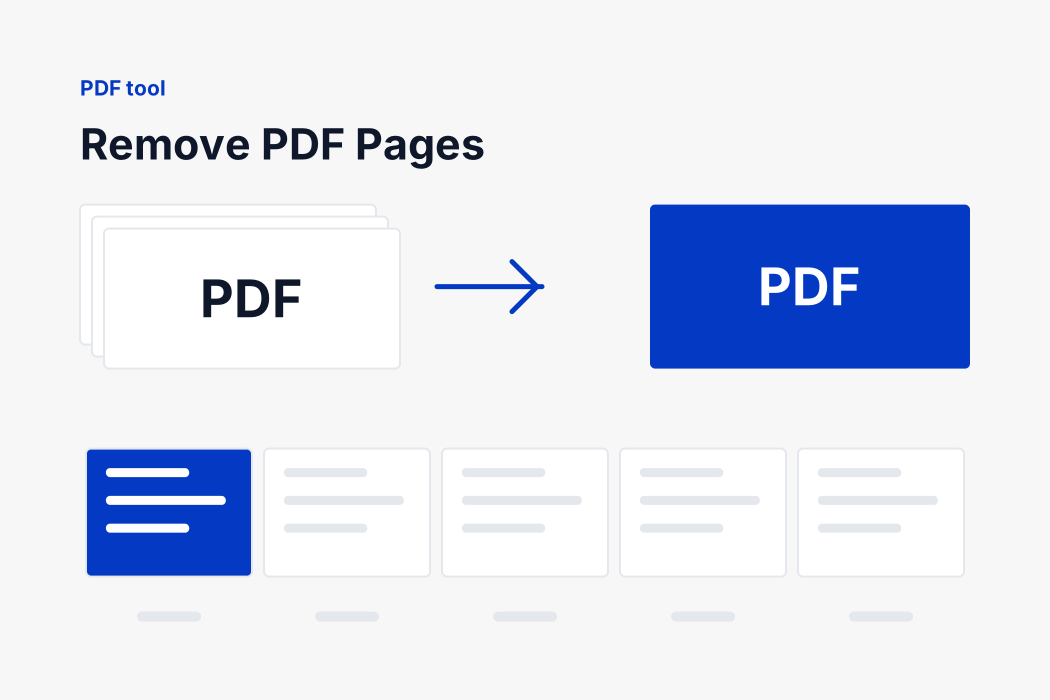
As soon as the file is read, every page is drawn at thumbnail size in order. Click one to mark it for removal: it dims and the count underneath updates. Click it again to change your mind. Select every page and Clear are there for the times when marking most of a long document is faster than marking a few.
- Nothing is marked to begin with. There is no sensible default for what to throw away, so nothing happens until you say.
- The count tells you what will happen before you commit, so a mis-click on a long document is visible rather than discovered afterwards.
- Removing every page is refused. That is not a document, and it is far more likely to be a mistake than a wish.
- The order of the remaining pages is unchanged. To reorder as well, use the split page, which takes the pages in the order you pick them.
The thumbnails are drawn on your own machine by the same engine your browser uses to show a PDF. They exist only in the tab you have open, and they disappear the moment you close it.
What survives, and what does not
Text, fonts, images and vector drawings all come across untouched, and each page keeps its own size and orientation. Links inside a page usually survive. Bookmarks pointing at the document outline do not, and neither does a digital signature, because a signature certifies one exact file and this is a different one.